
Area Search Planning for Search Dog Teams
Draw search areas, calculate size, place markers, use GPX data and prepare training or operations clearly. RescueDogs brings structure to search work in the field.
App Download
Press & Downloads
Questions about the app?
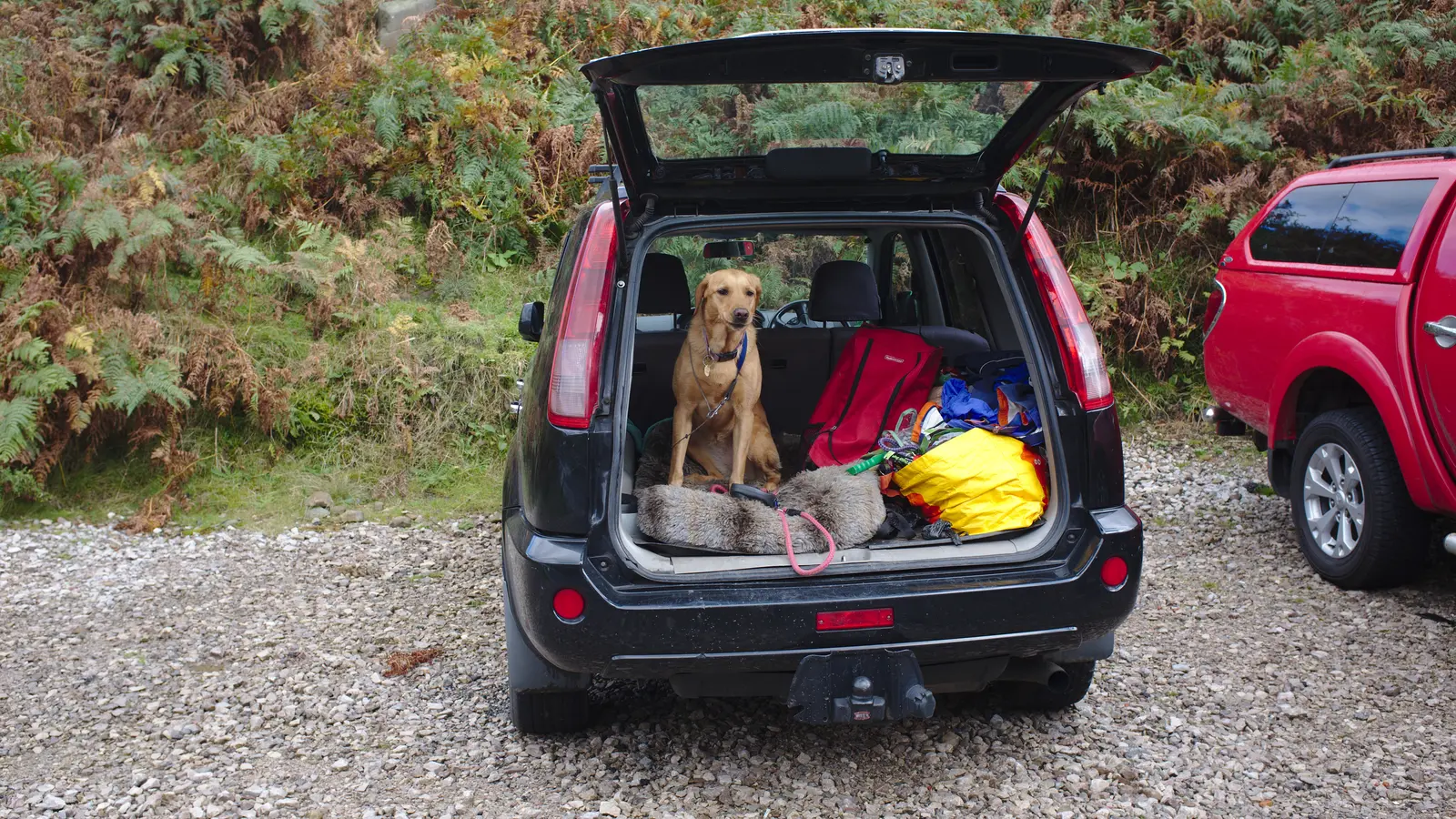
Image: Bob Harvey, Wikimedia Commons, CC BY-SA 2.0, cropped.

For area search, disaster search, avalanche search and cadaver search, RescueDogs provides dedicated planning and recording tools. Teams can draw search areas, mark missing persons and key points, share areas, import GPX data and review searches later.
The Area Search Problem
A search area is more than a polygon on a map. It is the basis for tactics, safety, communication and documentation. When areas, markers, tracks and review are separated, the search becomes harder than it needs to be.
- Search areas are redrawn several times or passed on verbally.
- Hazards, missing persons, scent points and situation points are not documented cleanly.
- GPX data from trackers or other systems is not integrated smoothly.
- After training, the shared view of area, handler route, dog track and rating is missing.
How RescueDogs Makes Search Areas Usable
RescueDogs lets teams draw and plan search areas with corner points, edge lengths and area size. Missing persons and custom points can be placed directly. Planned areas can be saved, shared, exported and reused for later recordings.
Draw Search Areas
Corner points, connecting lines and area size make search areas concrete. Points and persons can be stored with coordinates.
Plan Search Areas
Areas can be prepared without starting a search immediately. During training, the planned area can simply be imported and used.
Review with Tracks
Recorded searches show the area, handler route, dog track, hidden persons and marked points together on the map.
GPX & Offline
Search areas and tracks can be imported or exported. Offline maps help when terrain and reception do not cooperate.
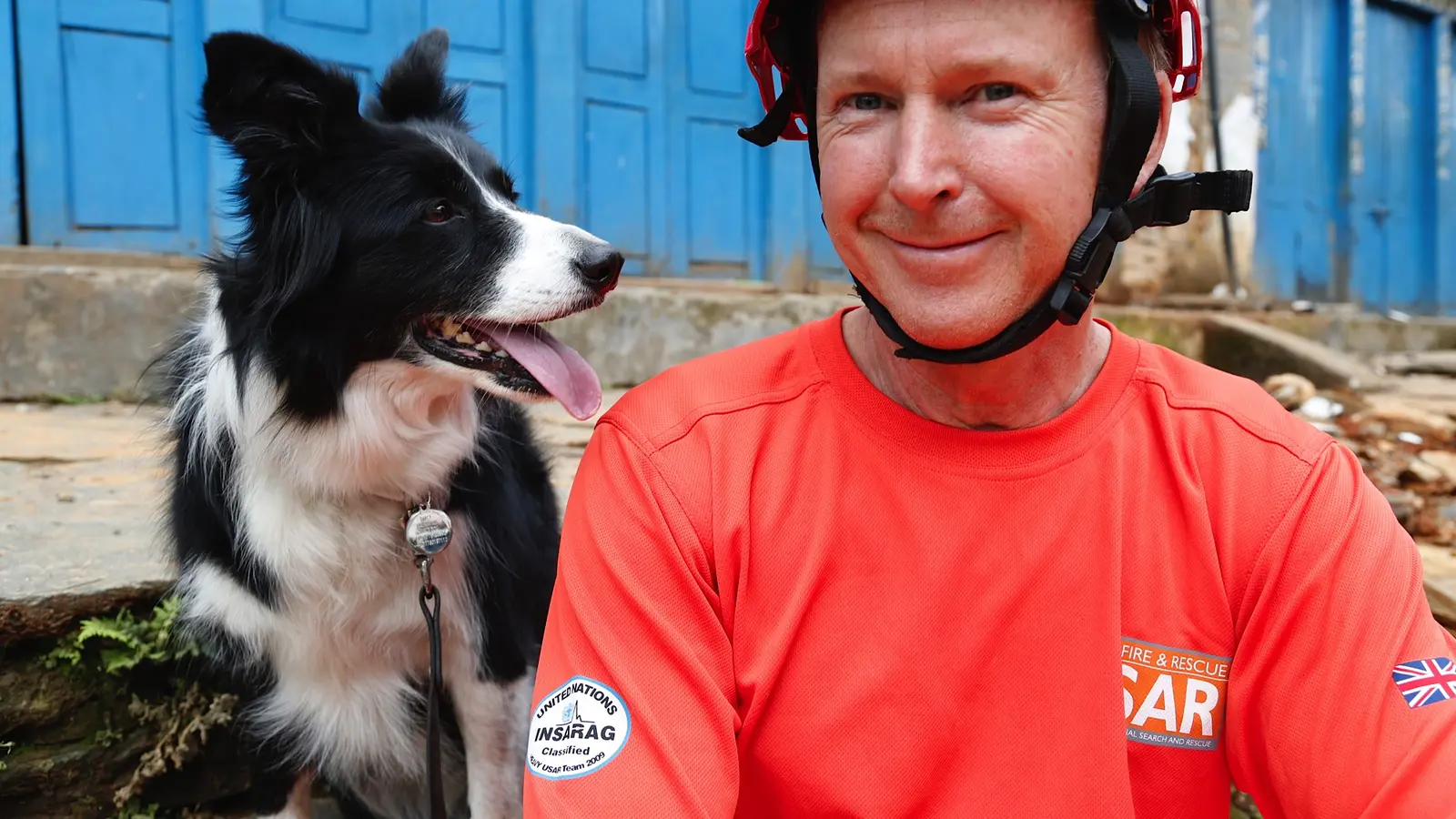
Image: Jessica Lea/DFID, Wikimedia Commons, CC BY 2.0, cropped.
.jpg)
Preparation That Holds Up in the Field
With Search Area Planner, the team can find the right location, draw the area and save it before the session. Location search, coordinate search and 3-word addresses help get to the right map view quickly.
The area can then be used directly in a search or shared with organization members. Several teams work from the same base instead of interpreting the area again.
A Map Built for Search Dog Work
RescueDogs provides several map layouts, including specialized maps for mantrailing and terrain views with contour lines. For area search, that can help teams better judge elevation, paths and terrain.
Important points can be placed and named during planning or recording. That turns special locations into part of the search documentation, not just something someone remembers.
Review After the Search
After a search, recordings can be opened, rated and commented on. Several searches can be displayed together to compare training, area coverage or search behavior.
That makes area search clearer operationally and much stronger for training review.
FAQ and Further Reading
You can find more answers in the FAQ section, in the general FAQ or on related RescueDogs pages.
FAQ
Can I plan search areas ahead of time?
Yes. Search Area Planner supports drawing, saving, sharing and later reuse of planned areas.
Which search types benefit from this?
The tools are especially relevant for area search, disaster search, avalanche search and cadaver search, but they also help training and operation preparation.
Can I use GPX data?
Yes. RescueDogs supports GPX import and export for search areas, trails, tracks and external GPS data.
Can I compare several recordings?
Yes. Multiple searches can be displayed together on the map to review coverage and route history.
Turn Areas into Clear Search Assignments
RescueDogs helps teams do more than draw search areas. It makes them usable for preparation, operation work, training, review and documentation.